

Spider Solitaire is a classic two-deck patience card game played with 104 cards dealt across 10 tableau columns. The primary objective is to build complete descending sequences from King down to Ace within the same suit, which are automatically removed from the board. To play Spider Solitaire free online without downloading software or registering accounts, the top-rated browser platforms in 2026 include Solitaired (best customization and multi-suit difficulty), Free Spider Solitaire (fastest responsive board), Online-Solitaire (best full-screen distraction-free layout), and CardGames.io (lightweight minimalist design with zero intrusive ads).
Originally popularized as a built-in game in Windows 98 and Windows XP, Spider Solitaire remains one of the most intellectually rewarding single-player card games ever created. Unlike Klondike solitaire, which heavily depends on the luck of the draw, Spider Solitaire is predominantly a game of strategic planning, sequencing, and buffer management.
Whether you are looking for a relaxing 1-Suit game to unwind during a lunch break, an engaging 2-Suit challenge, or the legendary mathematical puzzle of 4-Suit Spider Solitaire, playing in a modern web browser provides instant access across desktop, tablet, and mobile devices without installing app-store bloatware.
In this comprehensive guide, we benchmark the 10 best free online Spider Solitaire sites, analyze their full-screen and mobile capabilities, break down the official rules, and share 7 proven grandmaster strategies to dramatically improve your win rate.
Quick Comparison: Top 10 Sites to Play Spider Solitaire Free Online (2026)
Here is how the leading online Spider Solitaire platforms compare across difficulty modes, ad load, full-screen support, and gameplay features:
| Platform | Suit Modes | Full Screen Mode | Ad Intrusiveness | Undo / Hints | Key Advantage |
|---|---|---|---|---|---|
| [Solitaired](#1-solitaired) | 1, 2, 4 Suits | Yes | Low | Unlimited Undo & Hints | Deep game stats, custom card backs, daily challenges |
| [Free Spider Solitaire](#2-free-spider-solitaire) | 1, 2, 4 Suits | Yes | Low | Unlimited Undo & Hints | Fast, distraction-free classic green felt interface |
| [Spider Solitaire Online](#3-spider-solitaire-online) | 1, 2, 4 Suits | Yes (One-Click) | Moderate | Undo & Hint Bar | Auto-move detection & large readable cards |
| [Online-Solitaire](#4-online-solitaire) | 1, 2, 4 Suits | Yes | Very Low | Unlimited Undo & Solvable Deals | Guaranteed solvable game modes & smooth animations |
| [CardGames.io](#5-cardgamesio) | 1, 2, 4 Suits | Browser Zoom | Minimal (No Popups) | Undo & Auto-Hint | Ultra-lightweight, instant loading, offline caching |
| [AARP Games Spider Solitaire](#6-aarp-games-spider-solitaire) | 1, 2, 4 Suits | Yes | Moderate | Undo & Hints | Senior-friendly high-contrast cards & large buttons |
| [Solitr](#7-solitr) | 1, 2, 4 Suits | Browser Zoom | Low | Instant Undo | Pure retro no-frills card layout |
| [Solitaire 365](#8-solitaire-365) | 1, 2, 4 Suits | Yes | Low | Undo & Smart Hints | Clean vector typography and tablet touch optimization |
| [FreeSolitaire.com](#9-freesolitairecom) | 1, 2, 4 Suits | Yes | Moderate | Unlimited Undo | Classic Windows XP nostalgia theme and sound effects |
| [Google Solitaire & Windows Web](#10-google-built-in--mobilityware) | 1 & 2 Suits | Built-in | None | Basic Undo | Quick lunch-break distraction right in search results |
In-Depth Reviews: The 10 Best Spider Solitaire Online Platforms
1. Solitaired
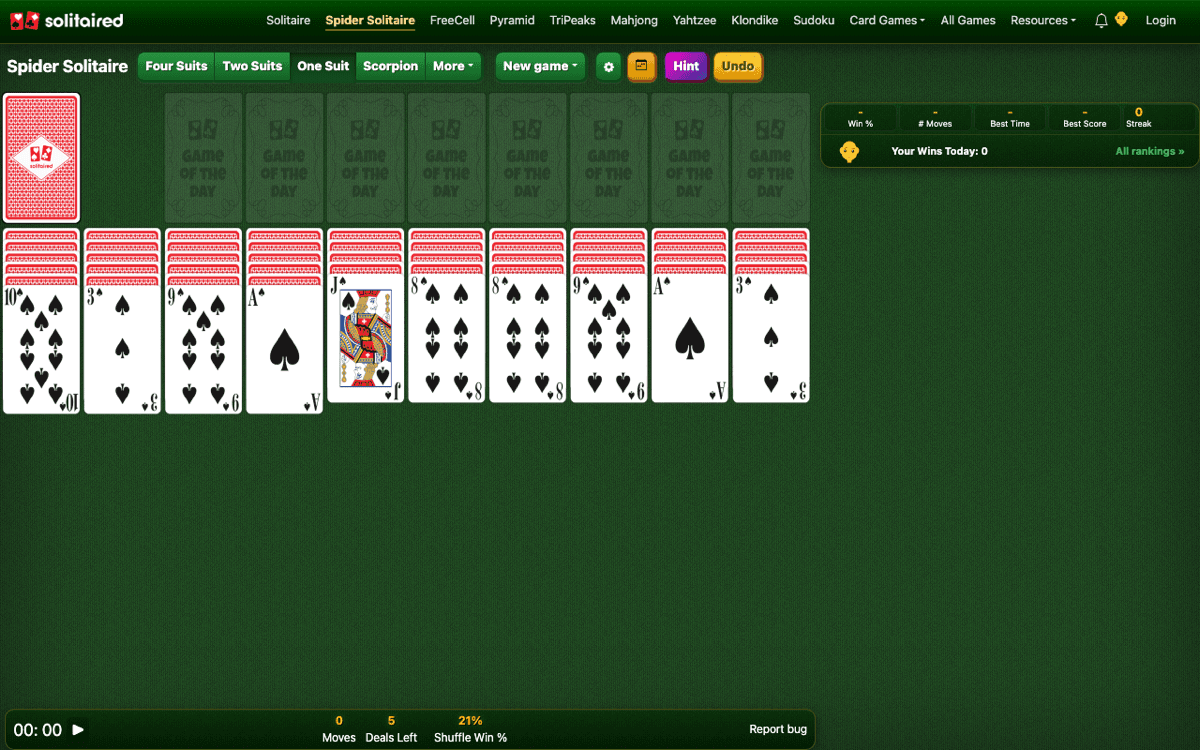
Solitaired is currently the gold standard for browser-based card games. Created with modern web technologies, it offers ultra-smooth card dragging, crisp vector graphics, and intelligent tap-to-move detection that works effortlessly on both desktop mouse pointers and mobile touchscreens.
What sets Solitaired apart is its deep analytics dashboard. You can review your historical win rate, average game duration, fewest moves achieved, and current winning streaks. It also features themed decks—including historical figures, mythological artwork, and large-print high-contrast playing cards for improved visual accessibility.
Pros:
Cons:
2. Free-Spider-Solitaire.com
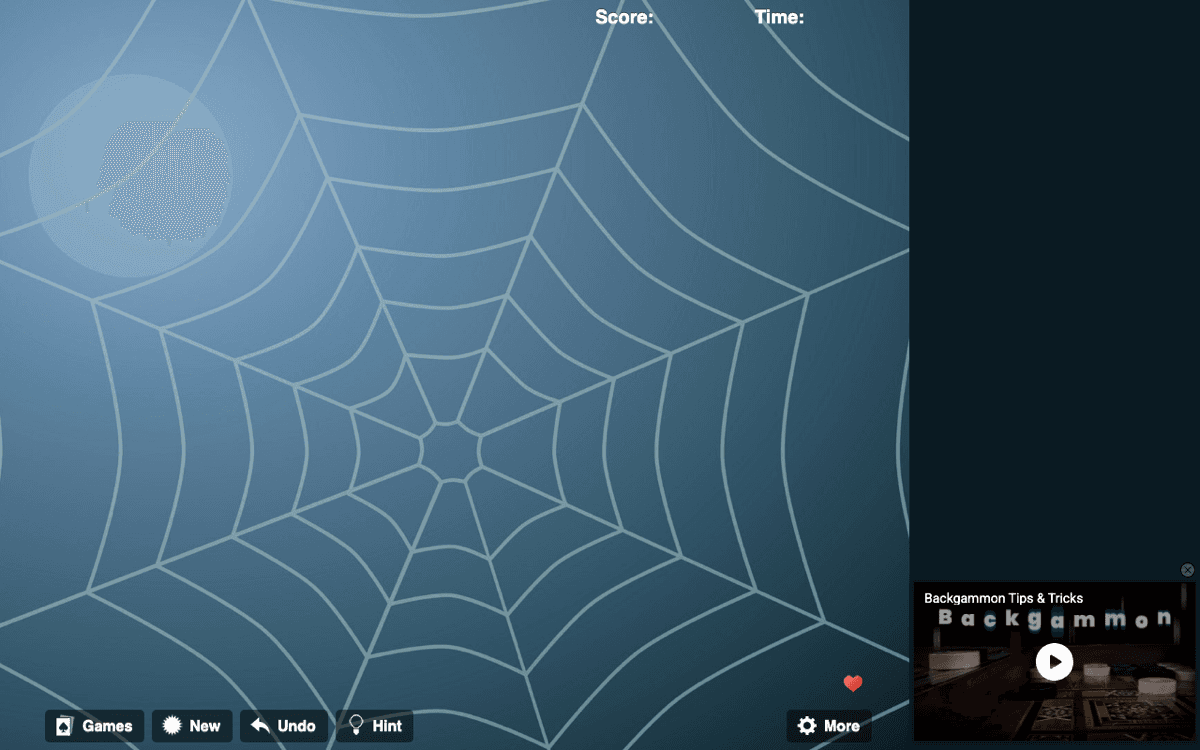
If you grew up playing Spider Solitaire on Windows XP or Windows 7, Free-Spider-Solitaire.com will feel instantly familiar. It features the iconic dark emerald green felt background, classic card backs, and snappy snap-to-column animations.
The site loads in under 300 milliseconds because it avoids bloated third-party trackers. You are dropped immediately onto an active tableau with zero splash screens, forced tutorial videos, or registration prompts. You can switch difficulties with a single click in the top menu.
Pros:
Cons:
3. Spider-Solitaire-Online.com
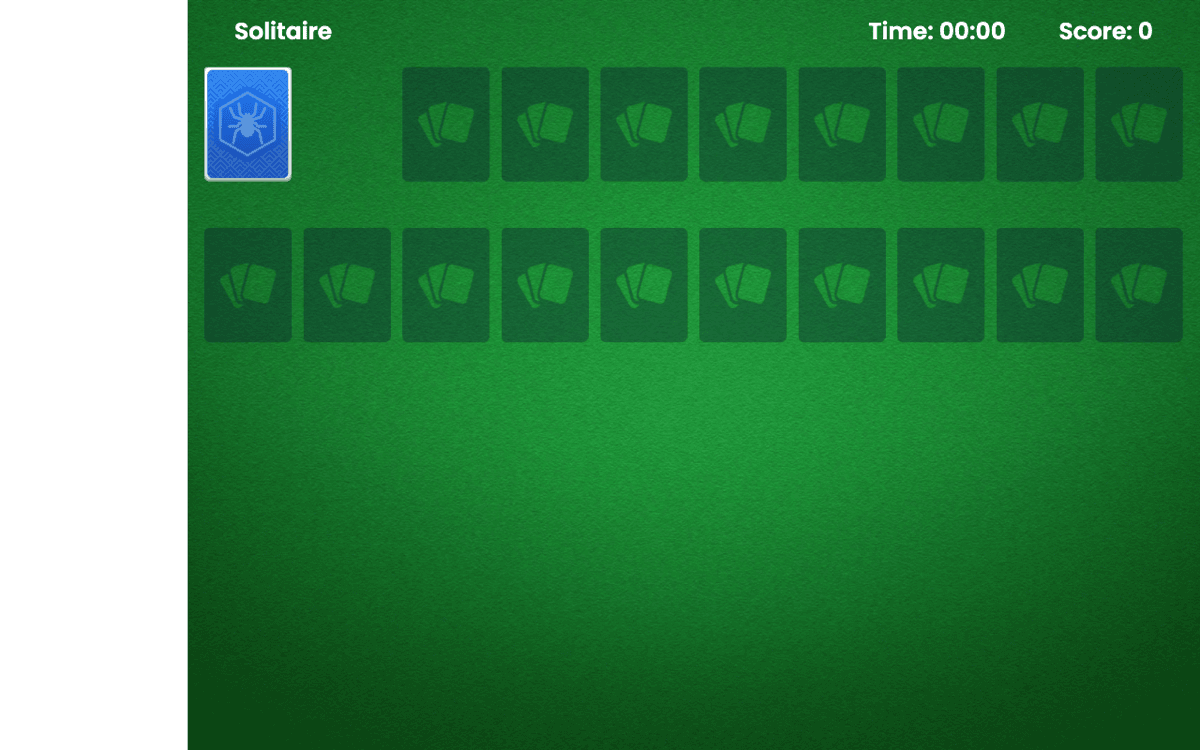
Spider-Solitaire-Online.com is specifically optimized for widescreen monitors and high-resolution displays. By clicking the full-screen button in the header, all browser chrome, sidebars, and navigation headers fade away, dedicating 100% of your screen pixels to the 10 tableau columns.
The game engine includes an intelligent auto-complete helper: once you have assembled all cards from King down to Ace in matching suits, the completed column smoothly animates into the foundation tray at the bottom left.
Pros:
Cons:
4. Online-Solitaire.com
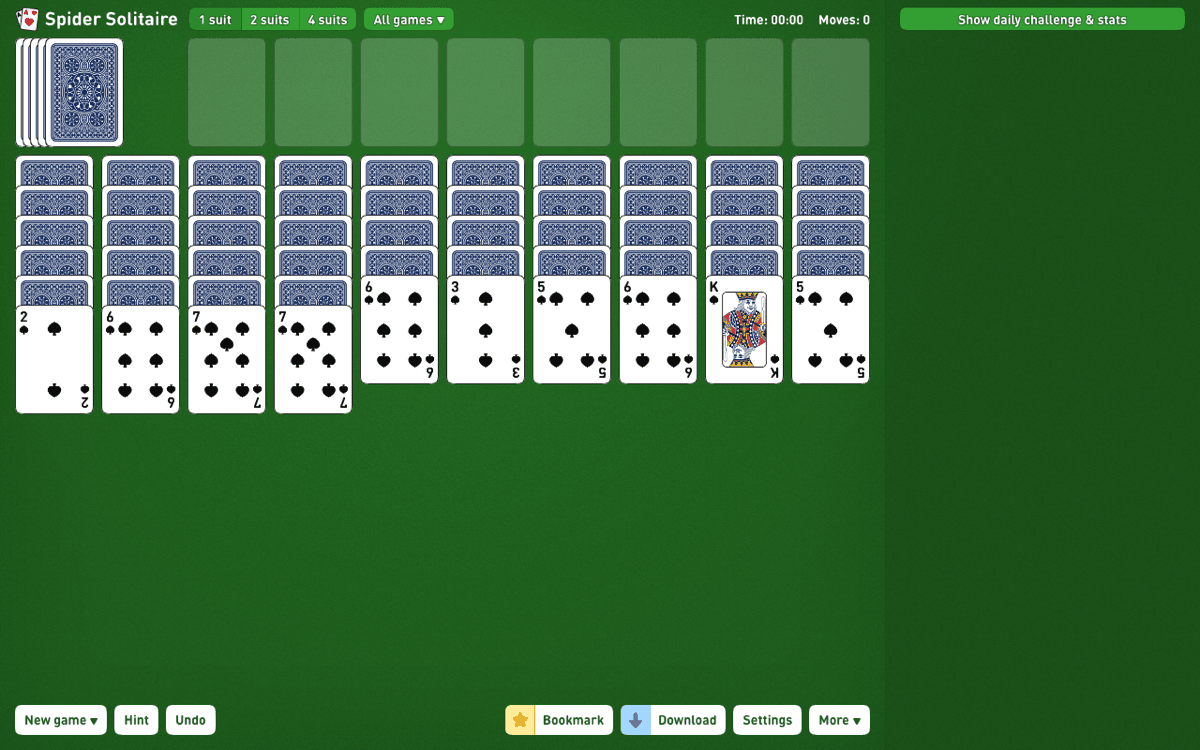
Online-Solitaire.com features one of the most polished visual interfaces on the web. Designed with subtle drop shadows, fluid 60fps card transitions, and soothing color palettes (including modern dark felt and midnight navy), it feels more like a native macOS or iOS application than a web page.
A standout feature is the 'Winnable Deals Only' toggle. While approximately 99% of 1-suit games are winnable with sound strategy, 4-suit Spider deals frequently produce unsolvable deadlocks. Online-Solitaire runs a background solver algorithm to verify that every deal served can be completed with optimal sequence choices.
Pros:
Z for undo, H for hint, F for full screen).Cons:
5. CardGames.io
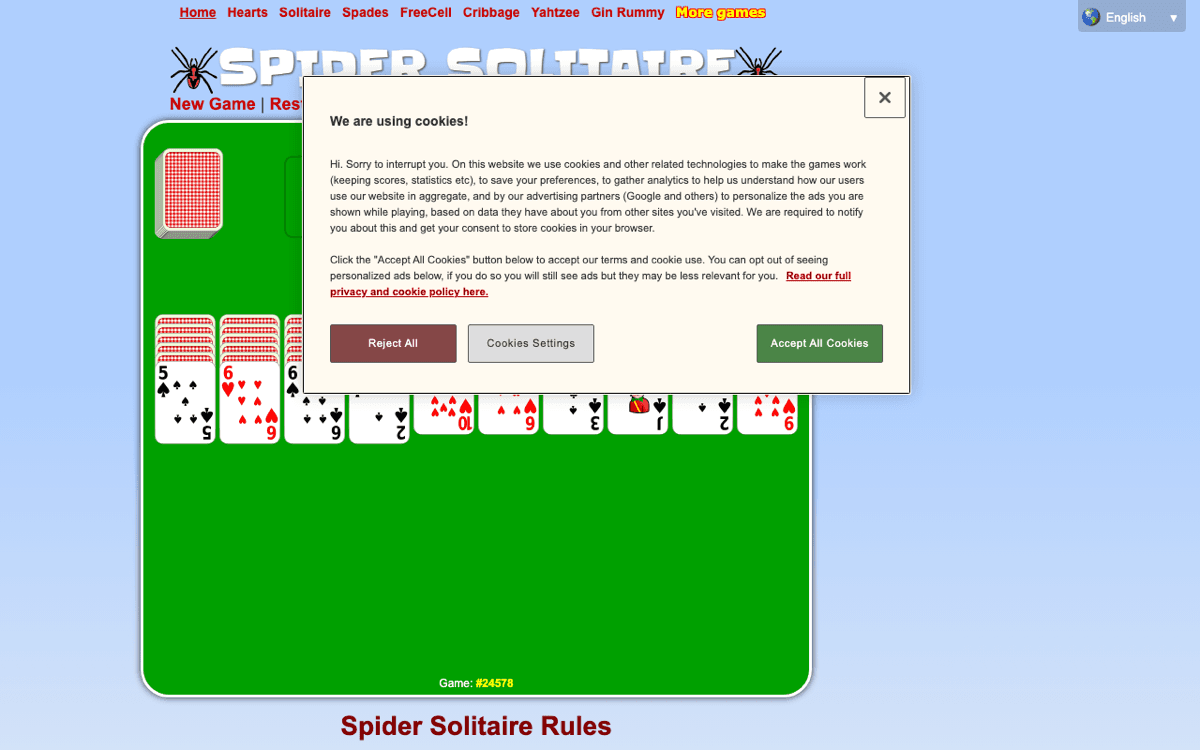
F11)Created by independent developer Einar Egilsson, CardGames.io is legendary among card game enthusiasts. The site contains zero video ads, zero interstitial popups, and zero tracking cookies. It loads almost instantaneously even on sluggish 3G mobile connections.
The interface uses crisp SVG vector cards that remain razor-sharp at any zoom level. CardGames.io also supports Service Worker offline caching, allowing you to load the page once and keep playing even if you lose your internet connection on a flight or subway commute.
Pros:
Cons:
F11 on desktop).6. AARP Games Spider Solitaire

AARP's free online games hub hosts millions of daily players, and their Spider Solitaire edition is exceptionally well engineered for legibility. The cards use extra-large suit indices, thick bold numbers, and generous spacing between overlapping cards.
AARP Solitaire also includes audio feedback cues when cards lock into legal columns, helping players with visual fatigue verify successful moves without straining their eyes.
Pros:
Cons:
7. Solitr.com
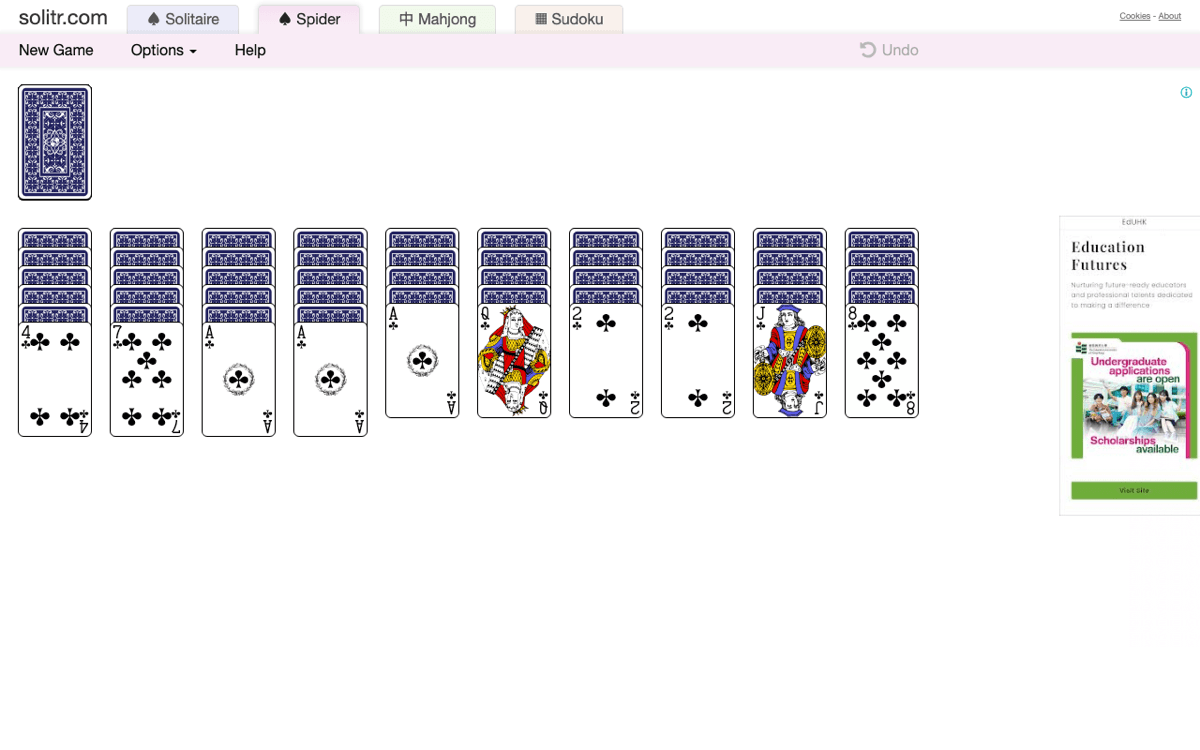
Solitr is another classic minimalist card portal that strips away everything unnecessary. There are no score counters, no timers, and no celebratory firework animations—just a pure green felt canvas, your 10 tableau columns, and your stock pile.
For players who feel stressed by countdown timers or move penalties, Solitr offers a tranquil, meditative environment where you can think through complex card sequences at your own relaxed pace.
Pros:
Cons:
8. Solitaire 365

Solitaire 365 features an adaptive HTML5 Canvas rendering engine designed specifically for touch devices. Moving stacks of cards on an iPad or touch laptop feels remarkably responsive, with zero lag or accidental misclicks.
The interface provides quick buttons for restarting the deal, undoing erroneous moves, or requesting contextual hints that highlight valid moves you may have overlooked in crowded tableau stacks.
Pros:
Cons:
9. FreeSolitaire.com

FreeSolitaire.com offers a dedicated Spider Solitaire portal with straightforward level selectors right at the top of the board. It retains the vintage charm of early desktop operating systems, complete with authentic card shuffle noises and a dedicated undo button.
Pros:
Cons:
10. Google Built-in Solitaire & Microsoft Solitaire Collection Online
If you simply type *'solitaire'* or *'spider solitaire'* into Google Search, Google often serves an interactive card game directly inside the search results snippet. While Google's built-in widget primarily defaults to Klondike solitaire, Microsoft also hosts an official web version of the Microsoft Solitaire Collection on MSN Games.
Microsoft's web version features official Xbox Live achievements, Star Club challenges, and authentic Windows 10 animations, making it an entertaining choice if you already have an Xbox or Microsoft gaming profile.
Complete Spider Solitaire Rules: How the Game Works
Understanding the mathematical structure of Spider Solitaire is the secret to mastering it. Here is the official rules breakdown:
The Initial Deal (Tableau Setup)
- Columns 1 through 4 receive 6 cards each (top card face-up, 5 face-down).
- Columns 5 through 10 receive 5 cards each (top card face-up, 4 face-down).
Legal Moves on the Tableau
1 Suit vs. 2 Suits vs. 4 Suits: Which Should You Play?
| Mode | Card Decks Used | Estimated Win Rate | Skill vs. Luck | Who It Is For |
|---|---|---|---|---|
| 1 Suit (Easy) | 104 Spades | 95% – 99% | 90% Skill / 10% Luck | Beginners, casual relaxation, learning sequence flow |
| 2 Suits (Medium) | 52 Spades & 52 Hearts | 50% – 60% | 80% Skill / 20% Luck | Intermediate players wanting balanced challenge |
| 4 Suits (Expert) | 26 Spades, Hearts, Diamonds, Clubs | 15% – 30% | 95% Calculation / 5% Luck | Grandmasters, chess thinkers, deep puzzle enthusiasts |
7 Proven Strategies to Win at Spider Solitaire (Even on 4 Suits)
1. Uncover Face-Down Cards First
Your primary enemy in Spider Solitaire is hidden information. Every face-down card you expose opens up new pathways and potential builds. Whenever you have multiple legal moves, always prioritize the move that flips over a hidden card in a tall column.
2. Protect and Maintain Empty Columns
An empty column is your universal staging buffer. It allows you to temporarily park disruptive cards, peel apart cross-suit blocks, and reassemble clean same-suit runs. Never fill an empty column casually; treat each open slot as a precious temporary workspace.
3. Build Same-Suit Sequences Whenever Possible
While the game permits you to place a 9 of Diamonds on a 10 of Clubs, doing so freezes those cards in place. You cannot move the combined stack until you uncover an open column to separate them. Prioritize in-suit moves to maintain maximum tableau mobility.
4. Re-Sort Mixed Columns Using Open Buffers
When you have one or two empty columns, execute a 'column scrub'. Transfer mismatched cards one by one into the empty spaces until you can re-align the hidden cards below into pure, single-suit descending ladders.
5. Never Deal from the Stock Until Tableau Moves Are 100% Exhausted
Dealing 10 cards from the stock pile scatters a random card across every single column, burying your carefully organized ladders under unpredictable ranks. Exhaust every single possible card transfer, face-down flip, and sequence consolidation before clicking the stock pile.
6. Do Not Place a King in an Empty Column Unless Necessary
Kings cannot be placed on top of any other card. Once a King sits in a column, that column cannot be cleared until the entire 13-card sequence is finished. Only drop a King into an empty column if doing so exposes face-down cards or provides immediate strategic breathing room.
7. Strategic Undos Are a Valid Learning Tool
Patience card games are exercises in combinatorial logic. When faced with two diverging paths—such as exposing a card in column 2 vs. column 7—testing one path and using undo to test the other teaches you pattern recognition and prevents accidental dead ends.
Frequently Asked Questions (FAQ)
Can I play Spider Solitaire free online without downloading anything?
Yes. All 10 platforms reviewed in this guide—including Solitaired, Online-Solitaire, and CardGames.io—run 100% inside your web browser via modern HTML5 Canvas and JavaScript. You do not need to install desktop software, download mobile APKs, or register accounts.
How do you get full screen mode in Spider Solitaire online?
Sites like Solitaired, Spider Solitaire Online, and Online-Solitaire provide a dedicated full-screen button (usually located in the top-right toolbar). Alternatively, you can press `F11` on Windows/Linux or `Cmd + Control + F` on macOS to expand any browser window into borderless full screen.
What is the difference between 1-suit, 2-suit, and 4-suit Spider Solitaire?
In 1-suit Spider Solitaire, all 104 cards are Spades, meaning all descending sequences can be moved together, resulting in a ~98% win rate. In 2-suit, cards alternate between Spades and Hearts. In 4-suit, all four card suits are present, creating a rigorous intellectual challenge where cross-suit sequences cannot be moved together.
Is every game of Spider Solitaire winnable?
No. In 4-suit Spider Solitaire, certain deals generate deadlocks where critical cards are trapped beneath matching ranks with no open buffers to extract them. However, platforms like Online-Solitaire and Solitaired include a *'Solvable Deals Only'* setting that filters out unwinnable mathematical distributions.
Why can't I deal from the stock pile when a column is empty?
According to the official rules of Spider Solitaire, all 10 tableau columns must contain at least one card before a new row of 10 cards can be dealt from the stock. If a column is empty, simply move any available card into the open space before clicking the stock deck.
Looking for More Free Browser Tools & Brain Exercises?
At [Fr. Tools (freetoolapps.com)](https://www.freetoolapps.com), we believe your browser should be a powerful, zero-cost productivity workspace. Explore our [Free Client-Side PDF Tools](/pdf) to compress and edit documents without cloud uploads, test your typing speed with our [Typing Speed Test](/typing-speed-test), or discover 55+ verified tools in our [Free AI Directory](/ai).


