Tableau
VerifiedEditor's ChoiceMarket-leading visual analytics platform for data exploration, dashboards, and storytelling
Tableau (Salesforce) is the gold standard visual data analytics and dashboard platform, empowering analysts to uncover insights, create interactive visual stories, and connect to any data warehouse.
What is Tableau?
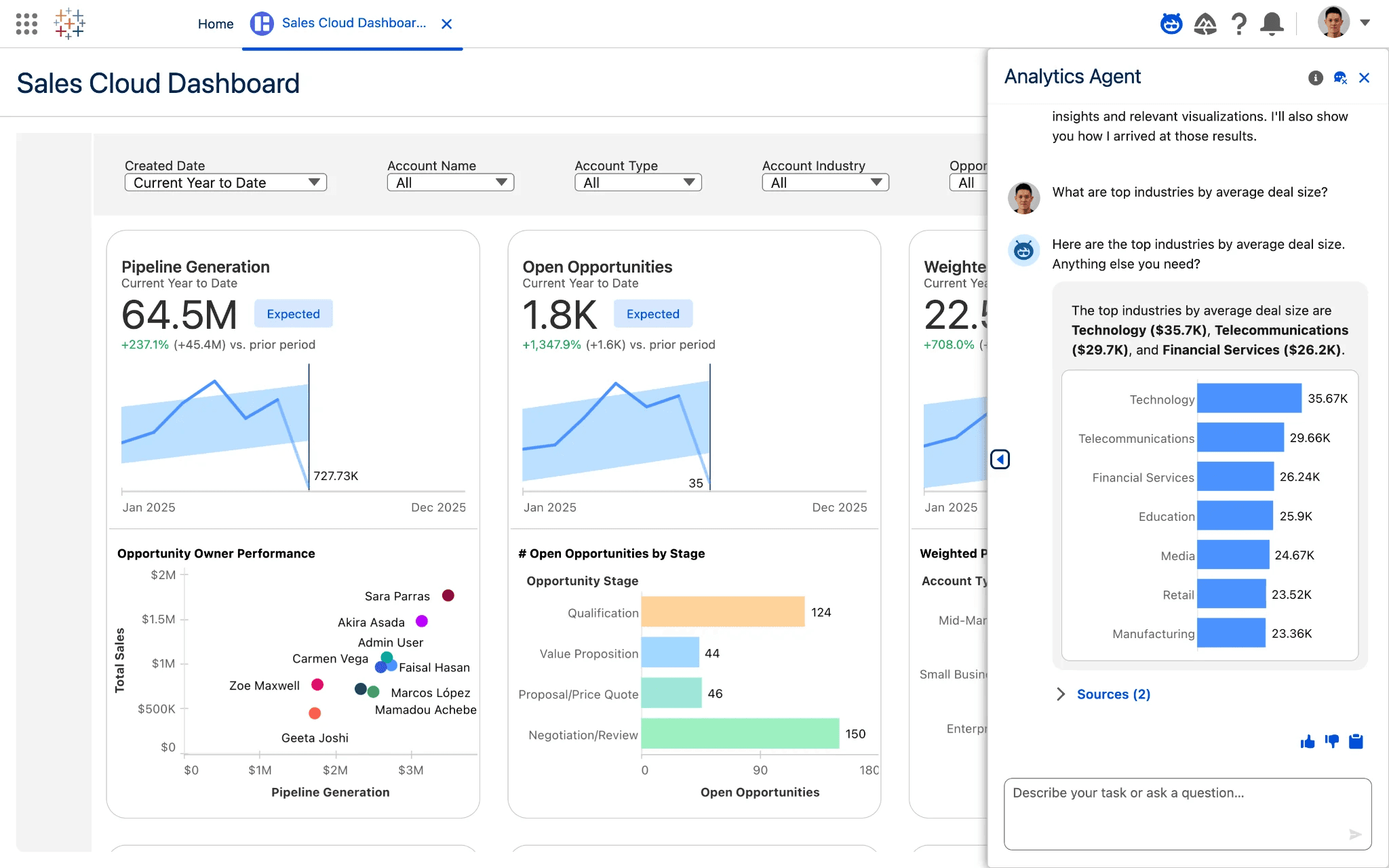
Acquired by Salesforce in 2019, Tableau is celebrated throughout the data community for its visualization engine and intuitive drag-and-drop canvas. Built on VizQL technology, Tableau translates visual drag-and-drop movements directly into optimized database queries, allowing financial analysts and data scientists to build interactive dashboards.
You can access the platform directly via the official Tableau official website (tableau.com), where you can create a free workspace across Web-based, macOS, Windows, iOS, Android.
Tableau Benefits & Disadvantages
An objective breakdown of where Tableau excels and what limitations to keep in mind.
Key Benefits & Strengths
Why creators & developers choose Tableau- ✓Unmatched Visual Design Freedom
Design beautiful, publication-ready financial charts, geographic maps, and custom data visualizations.
- ✓Native macOS and Windows Desktop Clients
Unlike Power BI, Tableau Desktop runs natively on both Apple macOS and Microsoft Windows.
- ✓Massive Global Community & Tableau Public
Access hundreds of thousands of free community visual templates, tutorials, and data visualization galleries.
Disadvantages & Trade-offs
Limitations to consider before adopting- −Premium Pricing Tier
Tableau Creator licenses start at $75/user/month, making it a substantial investment compared to Microsoft Power BI.
- −Requires Data Preparation for Complex Models
While visual exploration is top-tier, heavy data modeling is best handled upstream in SQL or Snowflake.
Core Features & Capabilities
Standout technical capabilities included in Tableau.
Explore multi-dimensional financial datasets visually by dragging dimensions and measures onto intuitive row and column shelves.
Receive personalized, AI-generated metric digests and anomaly summaries delivered directly into Slack and email.
Visually combine, shape, and clean messy financial CSVs and database extracts with automated data flow recipes.
High-performance live and extract connectors for Snowflake, Databricks, Amazon Redshift, Google BigQuery, and Salesforce.
How to Get Started with Tableau
Navigate to www.tableau.com to explore guided product tours or access the live workspace.
Link your company bank feeds, ERP ledgers, and team members with granular permission roles.
Track real-time cash flows, execute automated reconciliations, and generate executive KPI reports.
Best Use Cases
- •Daily business intelligence & analytics workflows for developers, designers, and indie founders
- •Replacing costly SaaS subscriptions with a freemium industry standard
- •Rapid prototyping, automation, and production delivery in finance & accounting projects
Free Tier & Licensing Details
14-day free trial of Tableau Desktop; Tableau Public is 100% Free Forever for public data visualization; Tableau Creator starts at $75/user/month.
Frequently Asked Questions about Tableau
Tableau is widely praised for superior visual aesthetics, native macOS support, and open data exploration, whereas Power BI is favored for Excel integration and lower pricing.
Yes. Tableau offers a 14-day full feature trial of Tableau Desktop, and Tableau Public is 100% free forever for publicly shareable data analysis.